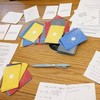
While deep dialogue is the heart of Curious Souls Café, sometimes the room needs a shift in energy. We use Action Prompts to break the routine of sitting and talking, introducing movement, kindness, and play to help participants bond faster than conversation alone allows.
Quick Navigation
- Why Action Prompts?
- 1. How to Play (The Game Loop)
- 2. Filters & Randomizing
- 3. Saving & Notes
- 4. Search & Navigation
- 5. Focus Mode & Tools
- 6. Pro Features
Why Action Prompts?
Sometimes, talking isn't enough. Action Prompts are designed to shift the group's energy from "thinking" to "doing" and "feeling."
-
Shift the Energy: Breaks the routine of "Question & Answer" by introducing movement, creativity, or direct interaction.
-
Practice Kindness: Many prompts focus on gratitude (e.g., "Compliment the person to your left"), creating immediate warmth in the room.
-
Build Connection: Structured "dares" allow for safe vulnerability, helping strangers become friends faster than talk alone.
1. How to Play (The Game Loop)
Action Prompts are designed as a game to get groups interacting. It can be used alongside the dice as meaningful challenges (see the Dice Roller app page for how). When used individually, just follow the 3 steps shown in the app's welcome banner:
⚡ Try It Now: Generate a Random Prompt
Get a taste of the meaningful actions you'll find in the app.
"Tap the button below to reveal a meaningful action..."
Where does this fit? 🧩 Action Prompts are perfect for Icebreakers (Round One) or raising energy between discussions. To see the full two-hour run-of-show, check out our Event Structure Guide.
2. Filters & Randomizing
The Action Prompts tool is designed to be flexible for any group vibe.
Step 1: Choose a Theme
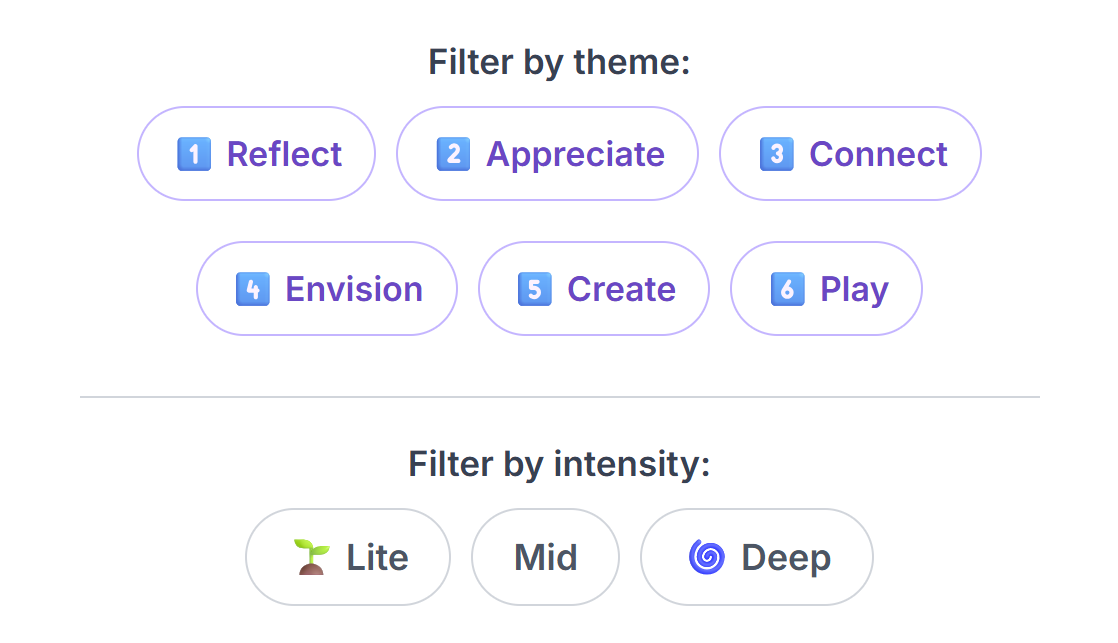
At the very top, you can filter actions by their intent. Tap a category to focus your session:
- Reflect: Introspective questions for self-discovery.
- Appreciate: Prompts focused on gratitude and recognition.
- Connect: Actions that build bridges between people.
- Envision: Prompts to imagine future possibilities.
- Create: Creative writing or brainstorming tasks.
- Play: Fun, lighthearted tasks to raise energy.
Step 2: Set Intensity
Use the difficulty buttons to toggle intensity levels on/off:
- 🌱 Lite: Easy, low-stakes actions. Great for warm-ups or new groups.
- Mid: Standard actions that require a bit more thought but are still accessible.
- 🌀 Deep: Introspective challenges that foster vulnerability and strong bonding.
The Randomizer & "Help Me Pick"
Hit the "Next Random Actions!" button to generate a list based on your filters.
3. Saving & Notes
Found an action you want to keep or complete later?
Star to Save
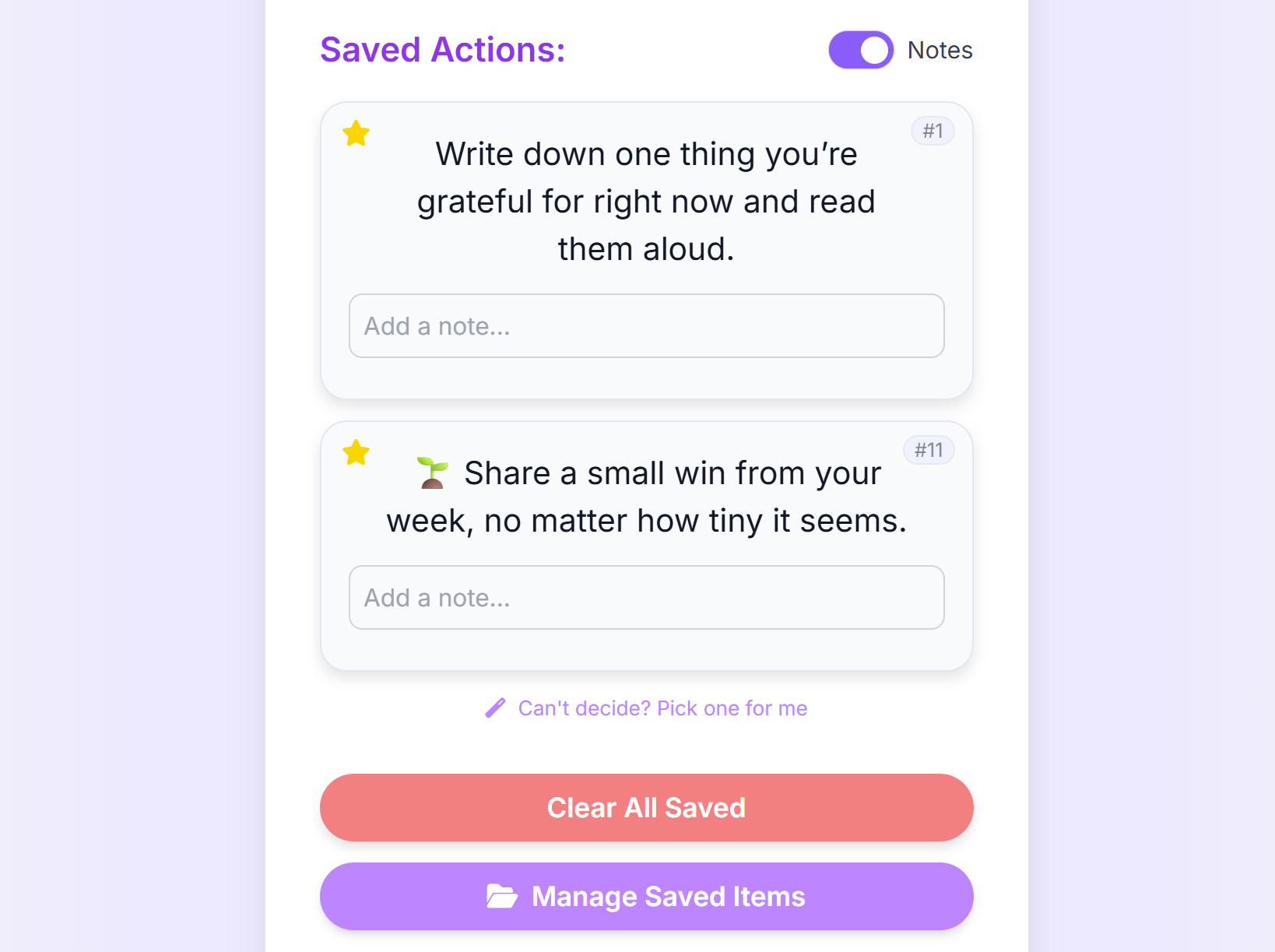
Tap the Star icon on any action card (top-left corner). This moves it to your Saved Actions list at the bottom of the page.
Adding Personal Notes
In the Saved Actions section, you can toggle "Notes" on. This reveals a text box under each saved action where you can:
- Jot down your reflection after completing the action.
- Draft your answer before sharing with the group.
4. Search & Navigation
Looking for something specific? The app offers two powerful ways to find content.
- Keyword Search: Type a word (e.g., "gratitude") to find all related actions.
- Go to Number: If a facilitator says "Let's do Action #42," simply type "42" in the "Go to action number" box to jump straight to it.
5. Focus Mode & Tools
When presenting an action to a group, visibility is key.
Focus Mode
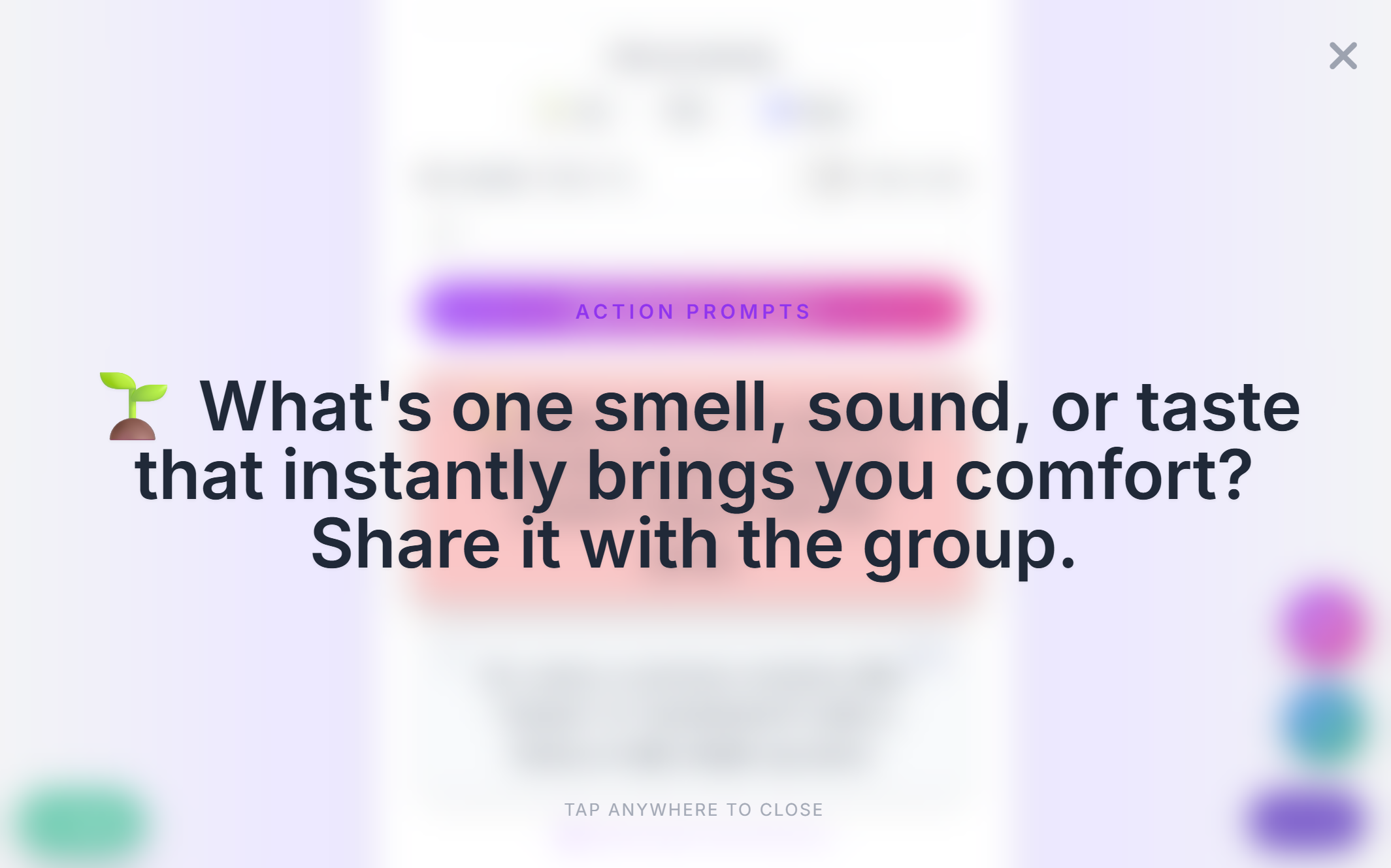
Tap the Expand icon (top-right of any selected card) to enter Focus Mode. This displays the text in large, high-contrast type, perfect for showing on a shared screen or passing your phone around.
Floating Tools & Action Options
Use the floating buttons at the bottom-right for quick access to utilities:
- Dice: Opens the virtual dice roller to decide who speaks next.
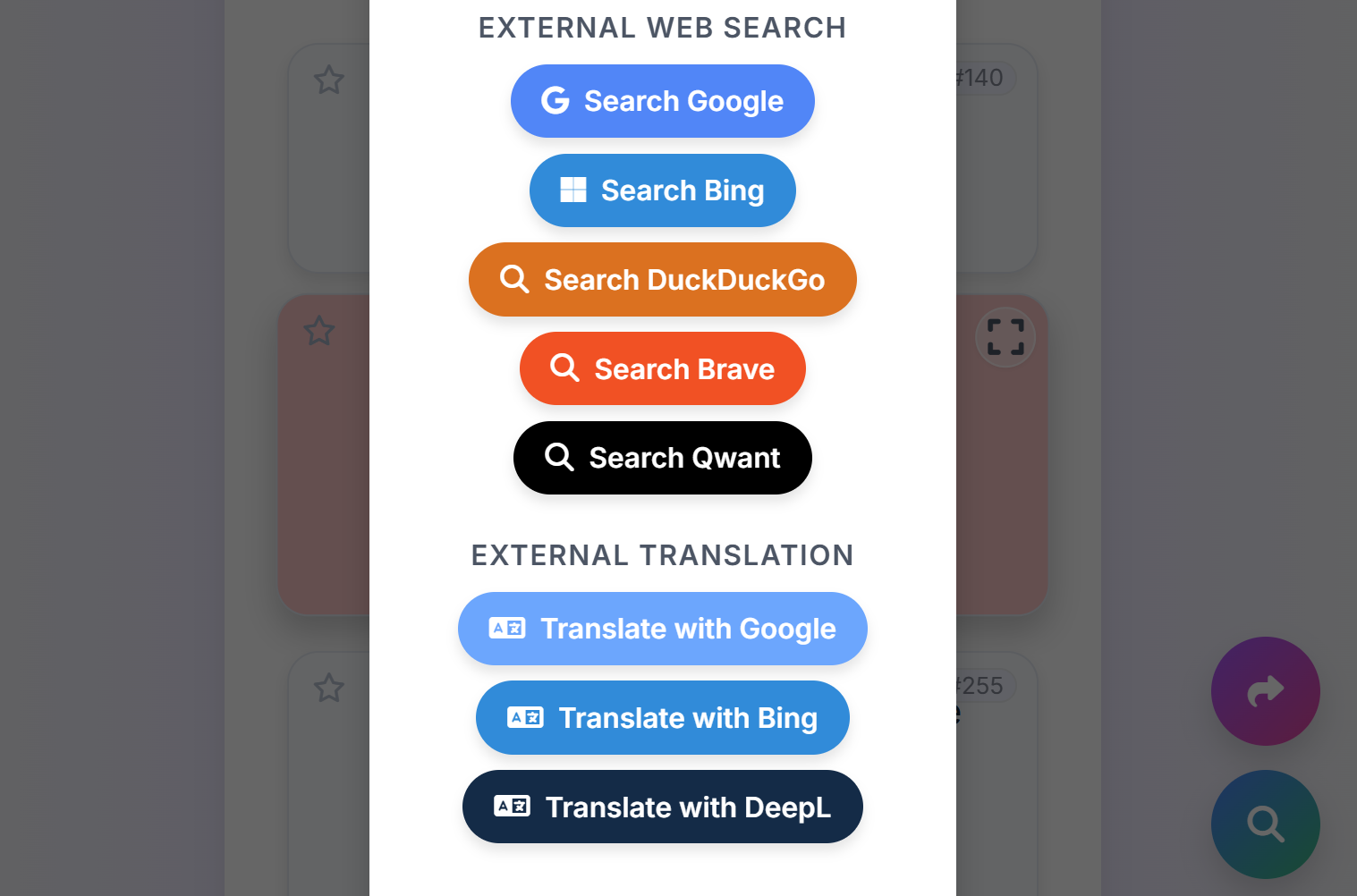
- Look Up: (Visible when text is selected) Instantly search or translate the action text.
-
Copy & Share:
(Visible when text is selected) When you tap this, you get a menu
with three powerful options:
- Copy Text: To clipboard.
- Share Link: Creates a direct link to this specific action (e.g., #42) to send to friends.
- Paste in Session: Quickly jumps to the Live Board to submit this action.
6. Pro Features & Modes
Challenge Mode ⚡
If you arrive here from the Dice Roller app, you might see the title "Meaningful Challenges ⚡".
- This special mode activates automatically when you are "sent" here by the Dice app.
- It highlights the instructions to Invite, Pick, and Act.
- It encourages the group to do one specific action together before moving on.
Quick Join
See the Join button floating at the bottom? Tap this to quickly jump into a Live Session if your group decides to switch from Action Cards to the Live Board.
Ready to connect? Launch Action Prompts and start exploring meaningful challenges today.
Launch Action Prompts🛠️ Explore Other Tools
Enhance your gathering with our other facilitation tools.
Collect · Reflect
Your hub to manage questions and journal in Reflection Mode, plus a professional Session Log equipped with tools for facilitator field notes.
Curious Souls Café aims to foster a collaborative and reflective environment where dialogue and shared experience create meaning and build connections. The methods discussed here are flexible and can be adjusted to fit your group's needs.